Hardware

Choose the payment hardware by where the transaction happens

FoxPay hardware is organized around operating environment, not just device names. Start with whether the payment happens at a counter, in a self-service space, on the move, or as a lightweight backup.

Self-service Front counter Roaming staff Portable backup
FoxPay countertop card reader handling an in-person transaction
The right hardware choice depends on who is initiating the transaction, where it happens, and how much guided checkout the environment needs.
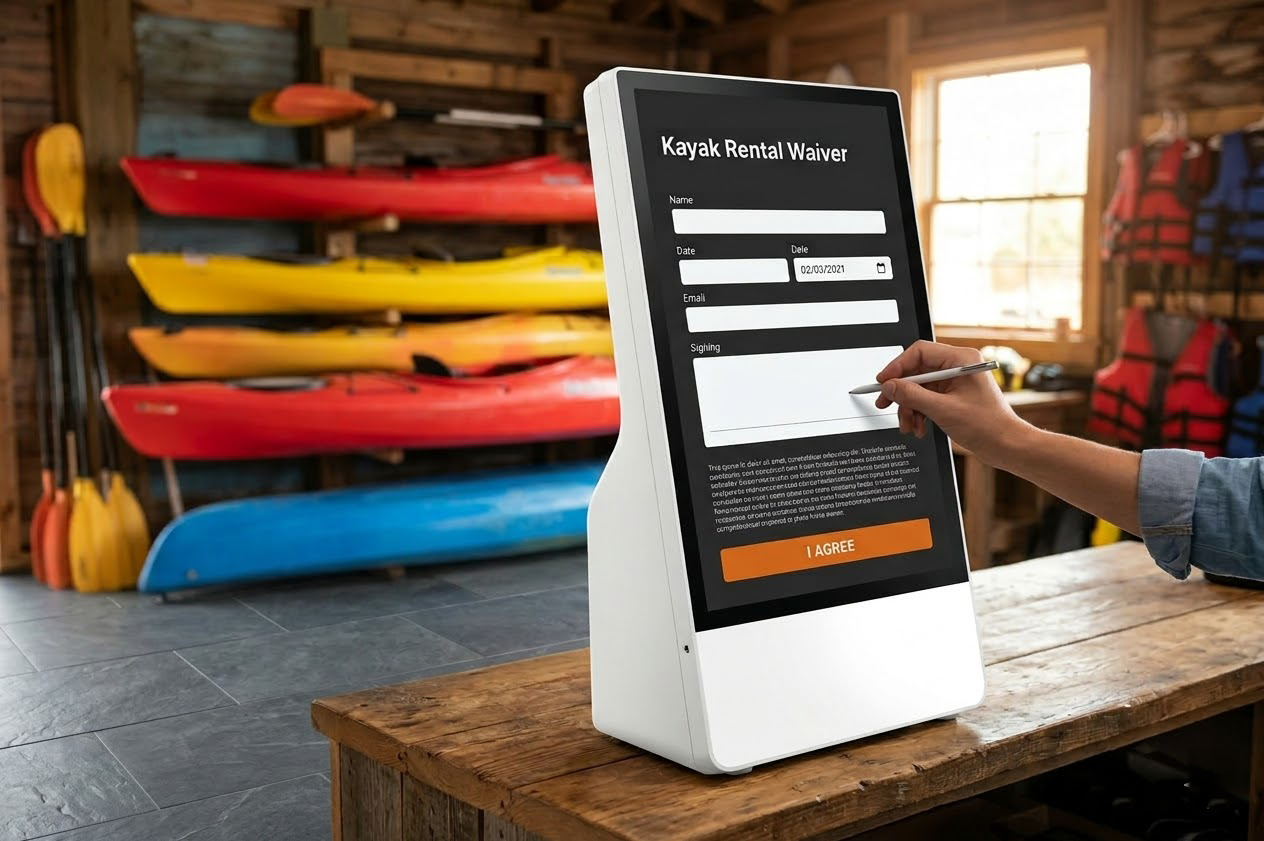
FoxPay self-service kiosk configured for waiver capture and customer-led check-in

Unattended + Guided

Self-Service Kiosk

Built for customer-facing payment or check-in in lobbies, entry points, and higher-throughput service environments.

Best for: unattended payment points and customer-led check-in

View Self-Service Kiosk
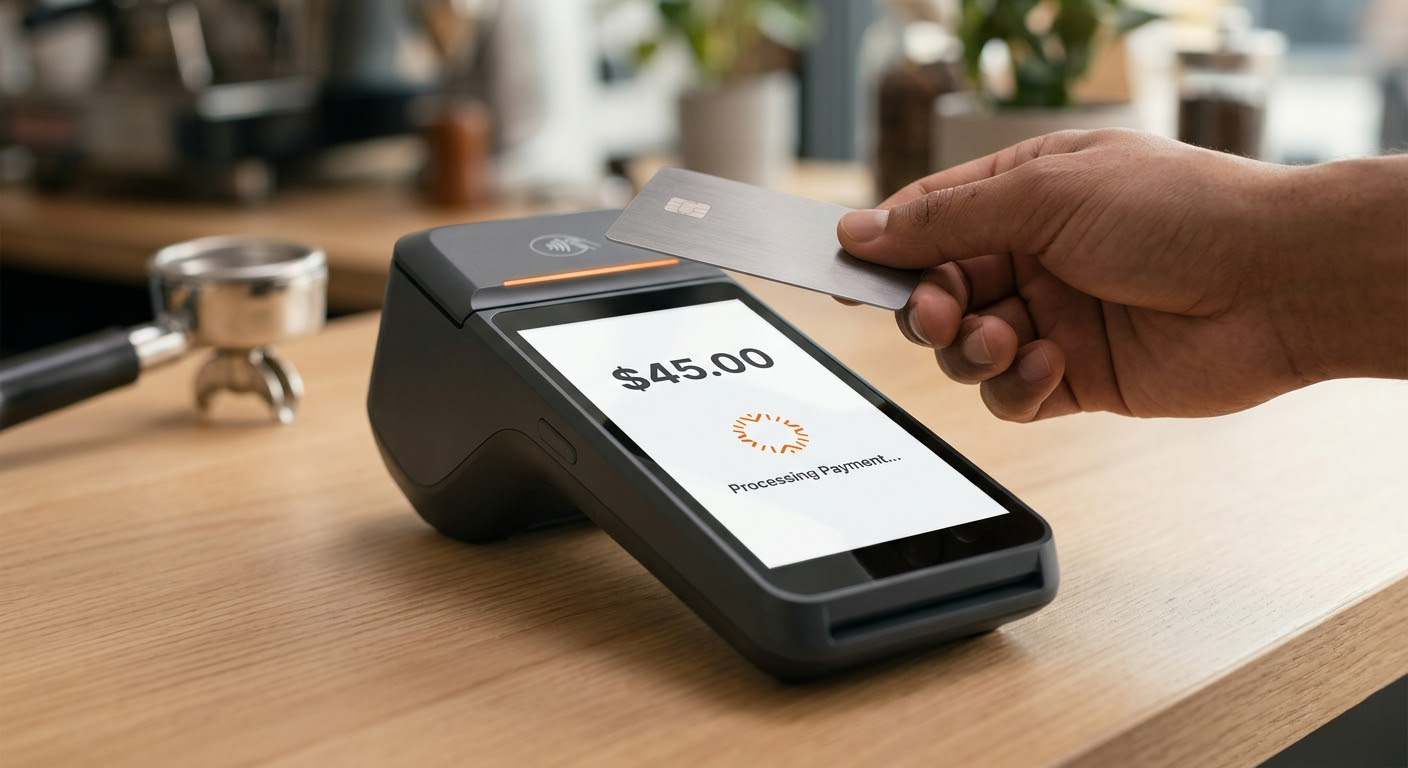
FoxPay countertop terminal ready for tap-to-pay checkout

Fixed Checkout

POS Terminal

A fixed checkout surface for reception desks, service counters, and day-to-day staff-operated payment collection.

Best for: front desks, check-in stations, and reception counters

View POS Terminal
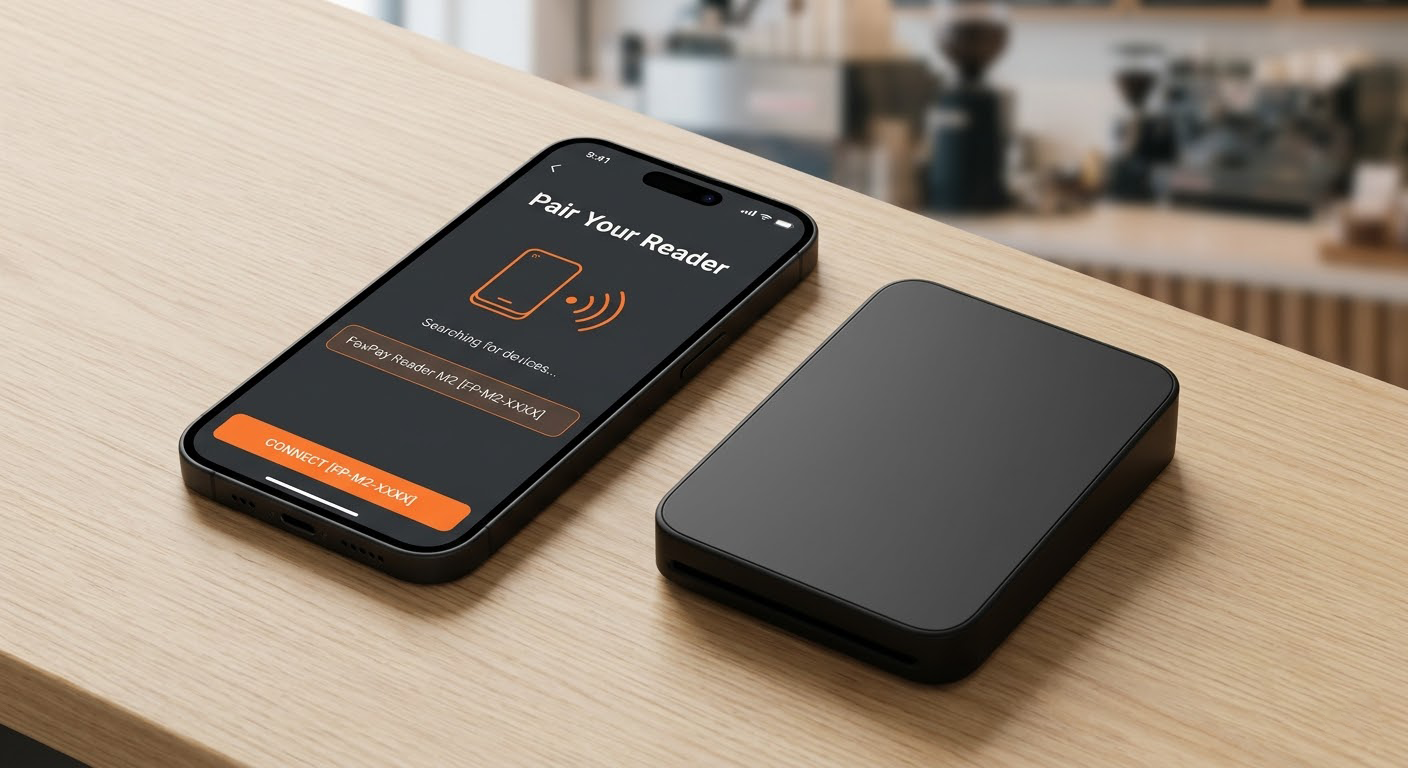
FoxPay mobile reader pairing with the app for roaming staff checkout

Roaming Staff

Mobile Bluetooth Reader + App

App-connected card acceptance for attendants, field staff, and teams who move between customers.

Best for: curbside, attendants, mobile staff, and flexible checkout

View Mobile Reader
FoxPay standalone mobile reader for quick portable card acceptance

Portable Backup

Standalone Mobile Reader

A lighter device for straightforward card acceptance when portability matters more than a full software-led setup.

Best for: pop-ups, overflow stations, and temporary payment needs

View Standalone Reader

Operating Environments

Think about the payment environment before the device model

Self-Service

Customers guide themselves

Kiosks and QR-led flows work best when the customer can begin the transaction without waiting on staff.

Counter

Staff operate a fixed checkout point

POS terminals fit front desks and service counters where payment is part of the handoff.

Roaming

Staff move with the customer

Bluetooth readers make more sense when checkout follows the service interaction instead of happening in one place.

Portable

You need a simple backup option

Standalone readers work when you want card acceptance without building a larger hardware footprint.

Best Starting Point

EnvironmentStart hereRelated solution
Lobby or unattended service pointSelf-Service KioskQR Scan-to-Pay
Reception desk or front counterPOS TerminalPayment Processing
Staff moving between customersMobile Bluetooth Reader + AppSMS Paylink App
Portable card acceptance without a larger footprintStandalone Mobile ReaderPayment Paths

How To Choose Well

Pick the environment first, then confirm the service layer behind it

  • Decide whether checkout is self-service, fixed, roaming, or portable.
  • Confirm whether the payment flow also needs booking, paylinks, or remote billing.
  • Use Pricing after you know what hardware and software layers belong together.
Retail-style environment illustrating a physical payment space
The physical checkout environment changes the right hardware choice more than a spec list ever will.

Next Step

Choose the device by environment, then connect it to the right FoxPay workflow

Hardware works best when it is selected as part of a payment environment, not in isolation. Once the device class is clear, the related payment path and pricing discussion become easier to evaluate.