
Reservations
Online Booking System
Perfect for tours, rentals, and classes. Capture deposits the moment your customer reserves their slot online, and use our hardware to collect the balance when they arrive.
Explore BookingSolutions
You don't need point-of-sale software if you only run a booking website. You don't need online checkout if you only serve people at a front desk. FoxPay lets you deploy exactly the tools you need to close the sale, without the bloat.
Workflow Families
Reservations
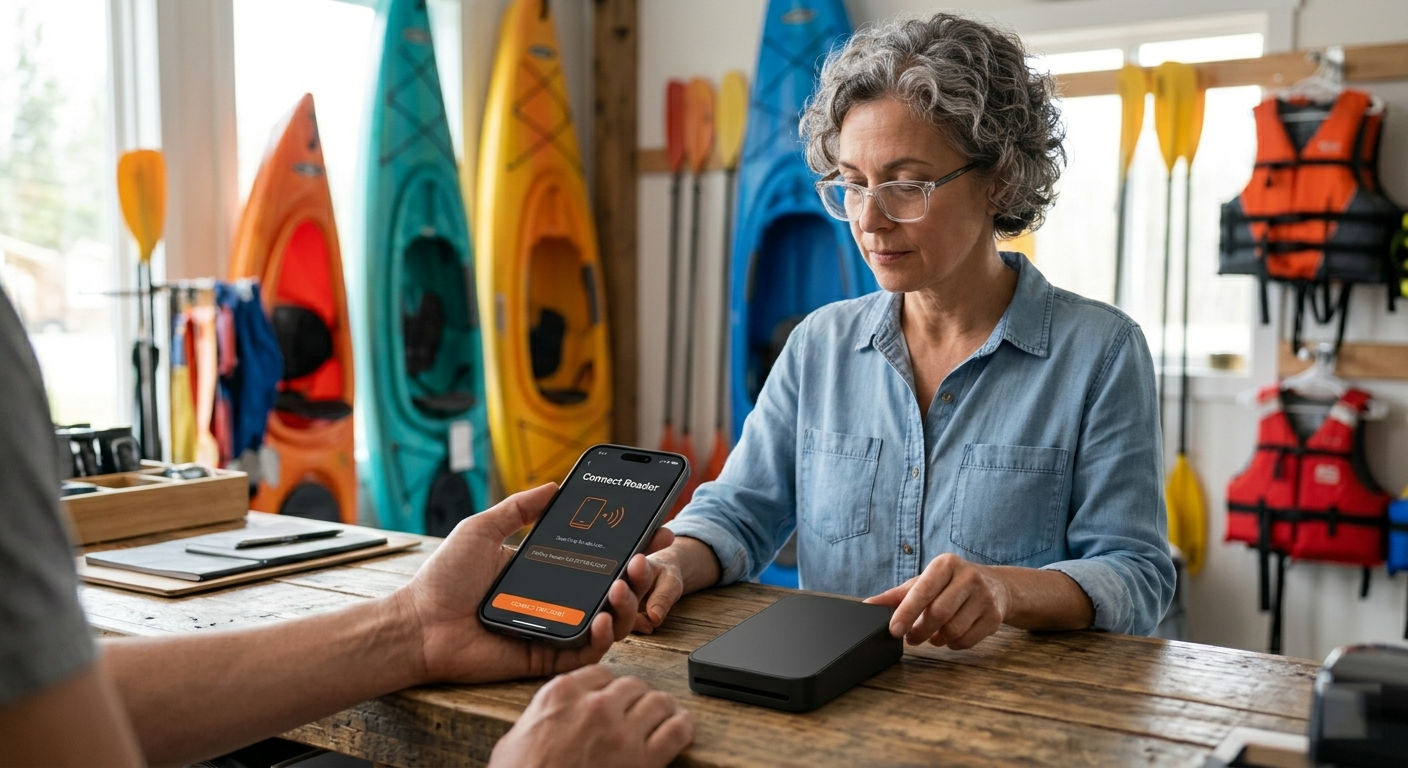
Perfect for tours, rentals, and classes. Capture deposits the moment your customer reserves their slot online, and use our hardware to collect the balance when they arrive.
Explore Booking
Follow-Up Billing
Send a secure text message to collect payment after a service call without handing over a tablet.
Explore Paylinks
Customer-Initiated
Let customers scan a code at your waiting area or table to pay instantly by themselves.
Explore QR PaymentsRecurring Revenue
Automate your monthly retainers, memberships, and repeat service plans automatically so you never have to ask for payment twice.
View Subscription ToolsDecision Matrix
| If the business needs to... | Start here | Then review |
|---|---|---|
| Take bookings and payment in one customer flow | Online Booking System | Hardware |
| Collect balances or deposits after the interaction | SMS Paylink App | Payment Processing |
| Let customers pay themselves from a sign, desk, or waiting area | QR Scan-to-Pay | Hardware |
| Support recurring or stored payment relationships | Subscription Platform | Security |
| Embed payments in a website or Bubble workflow | Integrations | All Products & Services |
Next Step
We configure the software and ship the hardware pre-linked to your account, so you can start processing immediately.