Payment Processing

Build one payment foundation that can support the rest of the business workflow

Payment Processing is the core FoxPay layer for businesses that need to accept payments across more than one environment. It is the starting point when the business wants one payment foundation behind online, remote, and in-person collection.

Online Remote In-person
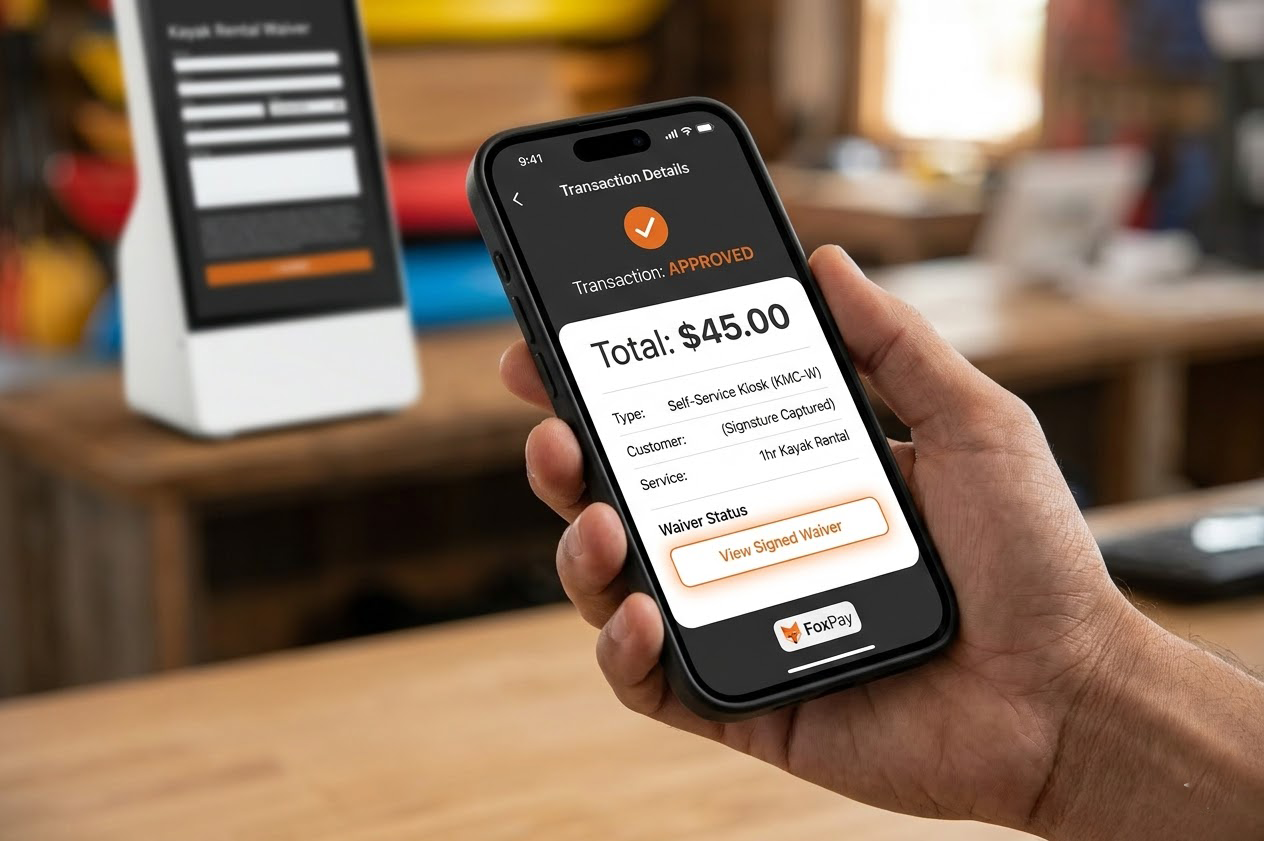
FoxPay transaction approval screen showing payment details inside a connected service workflow
Use Payment Processing when the business needs one reliable transaction layer behind several ways of getting paid.

What This Solution Does

Connect payment acceptance across the business instead of solving one checkout moment at a time

  • Support multiple payment environments from one core layer.
  • Reduce the need for separate payment systems across front desk, remote billing, and digital collection.
  • Create a cleaner base for kiosks, readers, paylinks, and connected software flows.

Who It Fits Best

  • Service businesses that already know they need more than one way to collect payment.
  • Operations that mix in-person acceptance with remote follow-up or online checkout.
  • Teams that want a stronger foundation before adding more specialized payment paths.

How The Workflow Works

Start with the transaction layer, then add the right collection experiences around it

1

Define the collection mix

Decide whether the business needs front-counter, mobile, remote, self-service, or online collection.

2

Set the payment route

Use Payment Processing as the transaction base that the other payment experiences connect back to.

3

Add the right interfaces

Layer in kiosks, readers, booking flows, paylinks, or website checkout where the workflow needs them.

4

Review scope and rollout

Move into pricing, security, and implementation planning once the collection path is clearly mapped.

Use Case

Front-desk and counter payments

Use Payment Processing when staff operate a terminal or reader during check-in, pickup, or routine service handoff.

Use Case

Mixed channel collection

Use it when the business accepts payment in person but also follows up remotely for deposits, balances, or online completion.

Use Case

Foundation for expansion

Use it before adding more specialized pathways like subscriptions, booking-led checkout, or self-service payment points.

Related Tool

POS Terminal

Add a fixed checkout surface when the business needs staff-operated front-counter acceptance.

View POS Terminal

Related Tool

SMS Paylink App

Extend the same payment foundation into remote billing and follow-up collection.

View SMS Paylinks

Related Review

Pricing

Use Pricing once the business knows which payment environments will sit on top of the processing layer.

Review Pricing

FAQ

Is this only for in-person payments?

No. Payment Processing is the core layer behind in-person, remote, and digital collection paths.

FAQ

When should hardware enter the conversation?

After the business understands which payment environments it needs to support and which checkout points are physical.

FAQ

Can this sit behind booking or subscription tools?

Yes. Payment Processing is often the foundation that specialized workflows connect back to.

FAQ

When should pricing be reviewed?

After the business knows which workflows and environments belong in scope.

Next Step

Use Payment Processing when the business needs one payment layer behind several workflows

Once the core transaction layer is defined, the rest of the FoxPay setup becomes easier to evaluate by environment, workflow, and commercial scope.